

Scientific illustration software
Scientific figures in minutes, not months.
Create professional scientific figures, posters and presentations for any idea. Just describe (or sketch) what you need on Illustrae's intelligent canvas.
Cancel anytime. 15-day full refund.
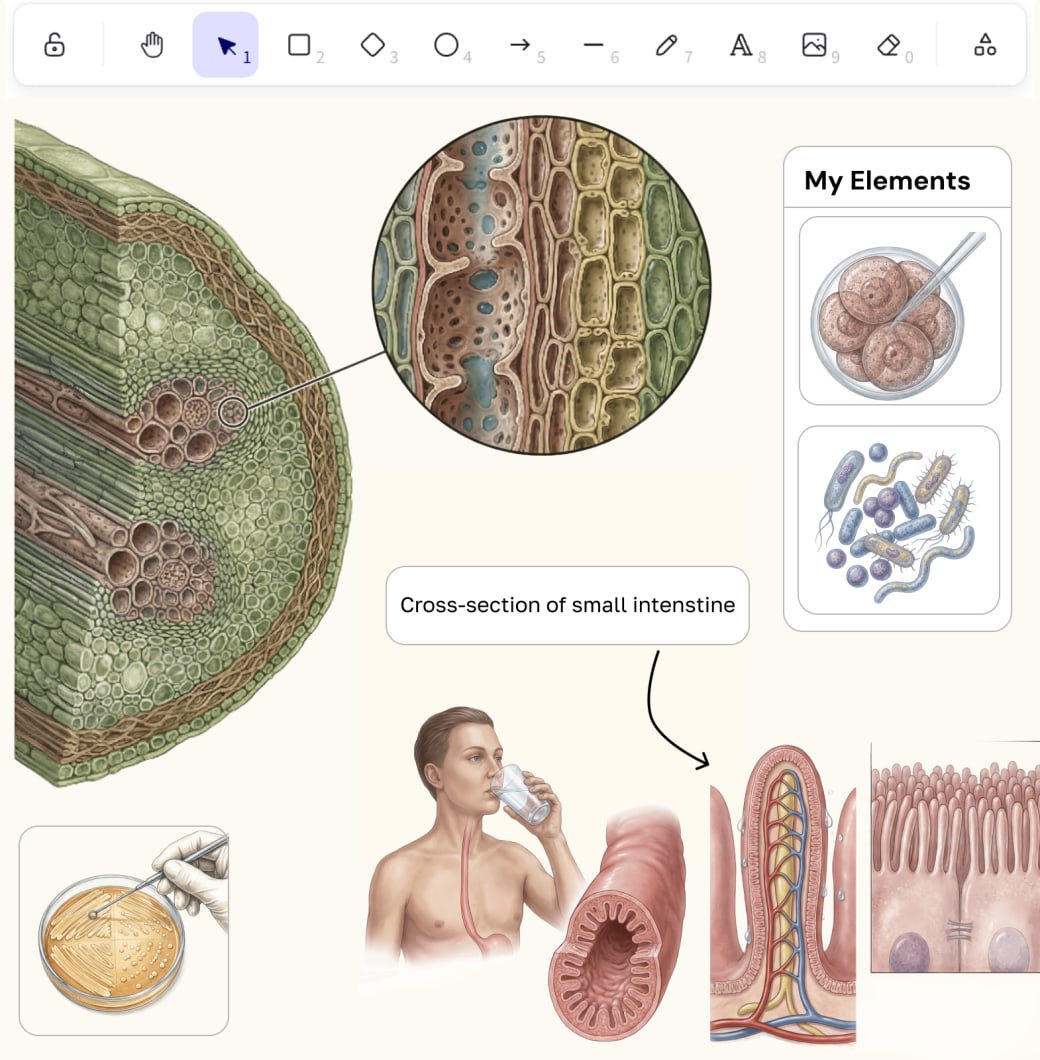
Animation of the Illustrae canvas in four steps. One: an idea is typed, Create is clicked and a titled figure appears with three panels: a plant stem cross-section with a magnified view, a streak on agar and isolated bacteria. Two: the figure is selected, a request to add a step is typed and a fourth panel appears, a test on seedlings. Three: Create editable layers is clicked, the title, the labels and the pictures become separate pieces, and the title is retyped. Four: the figure is put in a frame and exported as a PDF and as a PowerPoint file.
Trusted by researchers at institutions around the world







- researchers
- 100,000+
- unique illustrations
- 675,000+
- countries
- 50+
Create
Go from idea to figure, poster, graphical abstract, slide, or flowchart in < 2 minutes
Describe your idea in words, sketch it by hand or upload a photo. Or start from your abstract and turn it into any of these visuals.
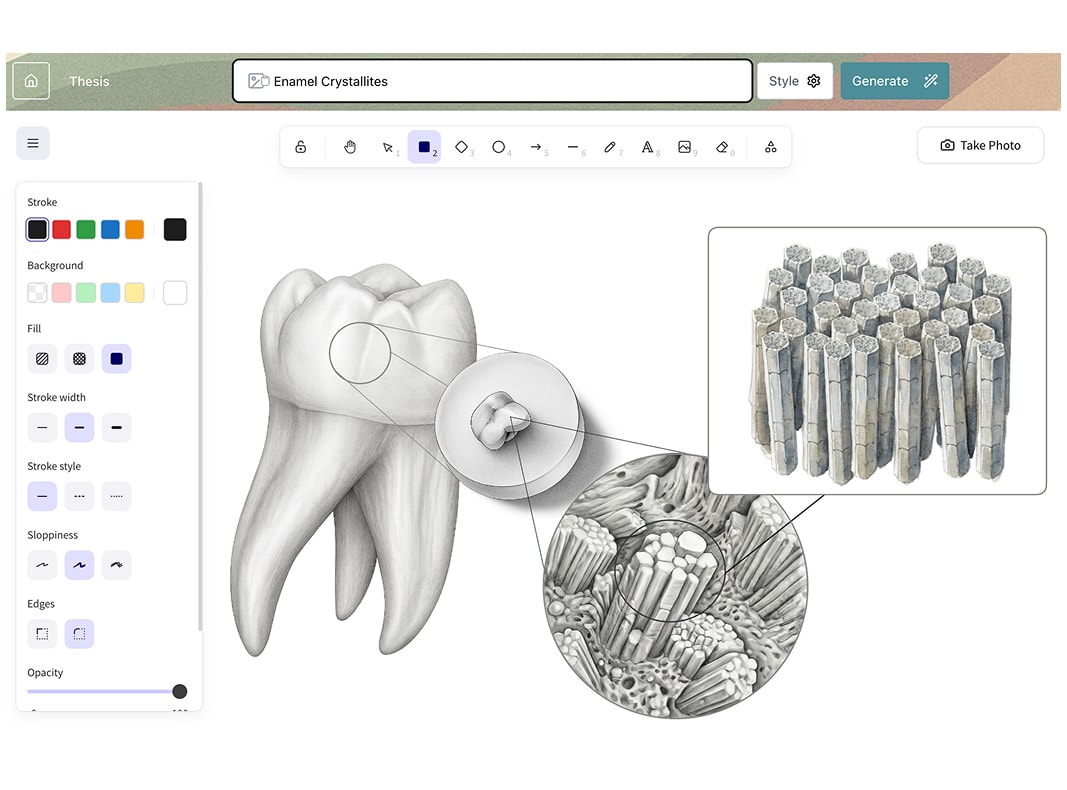
Animation in three steps. One: in the Brainstorm window, Academic Poster is chosen, a research title, authors and abstract are pasted into the Poster Content box, Make editable layers is switched on and Create is clicked. Two: the abstract is read and a finished academic poster appears beside it, with a title banner, a tooth illustration and six numbered sections from Introduction to References. Three: the poster becomes editable layers: its logo box, title, authors, section headings, text and pictures are outlined as separate pieces, and the last word of the title is retyped.
Academic poster
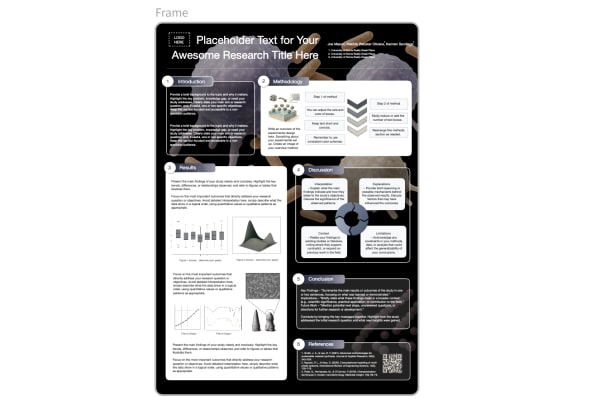
Paste your abstract, notes or key results, pick a poster style and color palette, and Illustrae lays out the whole poster for you.
- Opens on your canvas, ready to refine
- Switch on Make editable layers to edit the text and move the pictures
Scientific figure
Describe what you need in words, sketch it by hand or upload a photo, and Illustrae draws it in the style you choose. For a multi-panel figure, pick a 4-part or 5-part layout.
- Opens on your canvas, ready to refine
- Switch on Make editable layers to edit the text and move the pictures
Graphical abstract
Paste your abstract, attach your paper as a PDF or add your data as a spreadsheet, and get a visual summary of your findings.
- Opens on your canvas, ready to refine
- Switch on Make editable layers to edit the text and move the pictures
Presentation slide
Choose the slide you are building, such as Title, Introduction, Method or Results, then a style and your own accent and background colors.
- Opens on your canvas, ready to refine
- Switch on Make editable layers to edit the text and move the pictures
Flowchart
Describe your process step by step. Pick one of seven layouts, or leave it on Auto and Illustrae picks the structure that fits your content.
- Opens on your canvas, ready to refine
- Switch on Make editable layers to edit the text and move the pictures
Start from your own paper or data. Attach a PDF, CSV or Excel file. It is read in your browser: only its text is sent, never the file.
Animation: a poster on the canvas is selected and Create editable layers is clicked. The poster splits into layers. A heading is retyped and a picture is moved. The same option can be switched on in Brainstorm.
Editable layersNew
Turn a finished image into layers you can edit
Turn any poster, slide or image into text you can edit and pictures you can move.
Text becomes real text
Click a heading or a paragraph and retype it, like any other text on the canvas.
Pictures become movable pieces
Each picture is lifted out so you can move it, resize it or swap it for another.
Boxes and lines become shapes
Simple boxes and straight lines are redrawn as shapes you can restyle.
Click Create editable layers on any image, or switch on Make editable layers in Brainstorm. Results depend on the image: on a busy poster, some boxes stay part of the background. One undo brings the original back.
Refine
Refine without starting over
Make intelligent customizations to your images with simple text prompts. No more struggling with complex editing tools to achieve the perfect visualization.
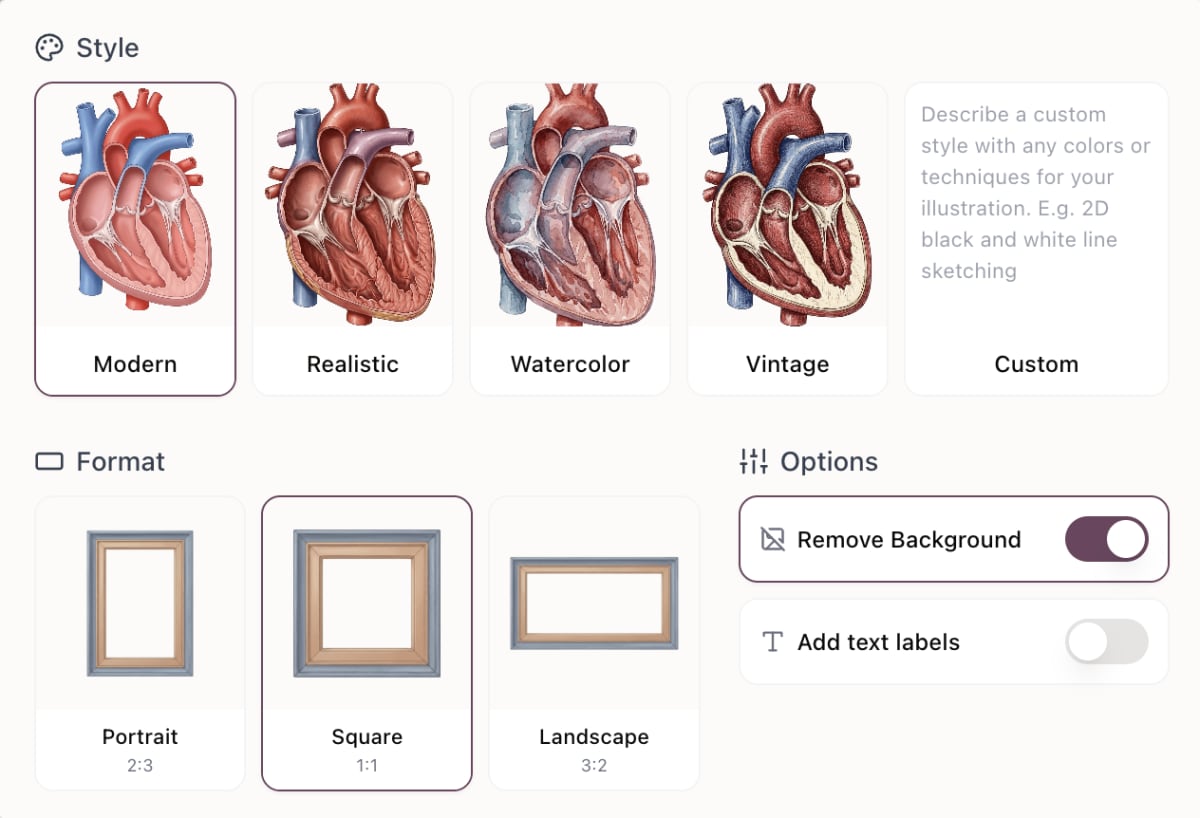
Animation in four steps. One: an illustration of a gloved hand streaking bacteria on an agar plate is selected on the canvas and its Edit with prompt button is clicked; the picture is attached to the prompt bar and the Style panel opens. Two: Keep style is on; it is switched off, which lets a style be picked (Modern, Realistic, Watercolor, Vintage or Custom), then switched back on. Three: “Make the agar red” is typed and Edit Image is clicked. Four: a new image is added beside the original: the same drawing, now with red agar.
Enhance
Increase an image's resolution before you export it.
Remove background
Remove backgrounds with one click.
Crop
Trim an image down to the part you need.
Canvas and export
A flexible, powerful canvas for all your research figures
Work with a powerful infinite canvas that adapts to your research needs. The flexible workspace allows you to arrange, group, and organize your scientific illustrations with pixel-perfect precision.
Animation: a title slide inside a frame on the canvas, with a dark background, a sample title and an illustration of a bacterial biofilm, is selected and exported as a PowerPoint file. The file opens as a slide, where the sample title is replaced by “How Bacterial Biofilms Resist Antibiotics” and the presenter's name is moved up.
PNG
High resolution, with transparent backgrounds.
SVG
Opens in Illustrator, Figma and Inkscape.
PDF
From a frame, with text and shapes as true vector.
PowerPointNew
A frame becomes a slide with editable text and shapes.
Use cases
Top use cases
How researchers across disciplines use Illustrae to enhance their work.
Journal articles
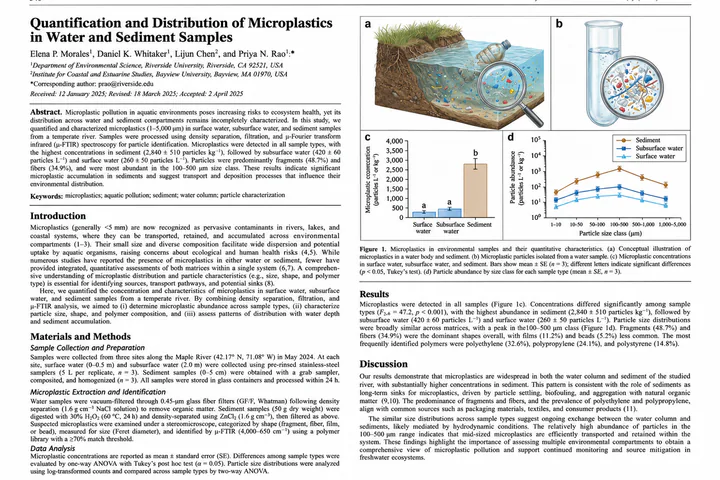
Create detailed figures and diagrams that clearly communicate complex research concepts to journal readers.
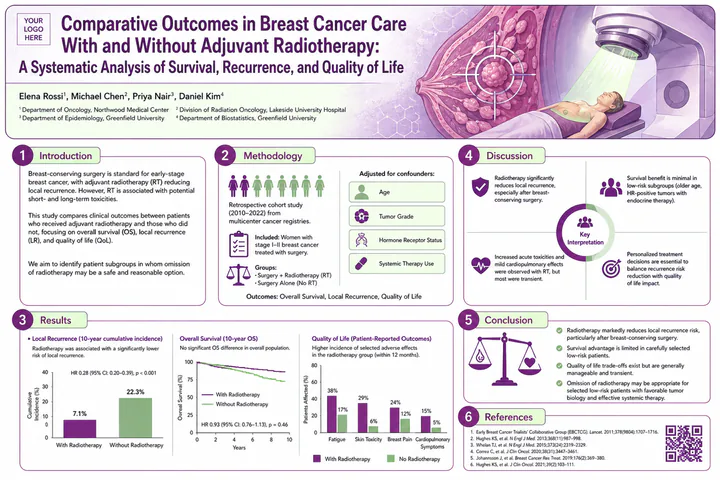
Academic posters
Present your research on a clear, well-organized poster that draws people in at conferences and poster sessions.
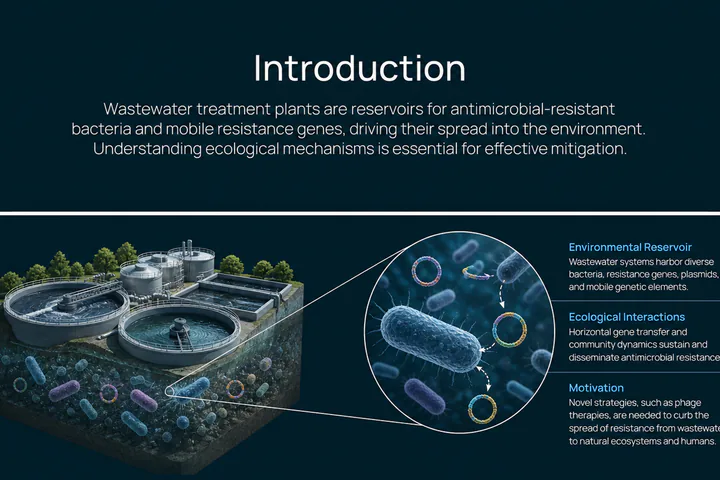
Conference presentations
Design visually striking slides that capture audience attention and effectively explain research findings.
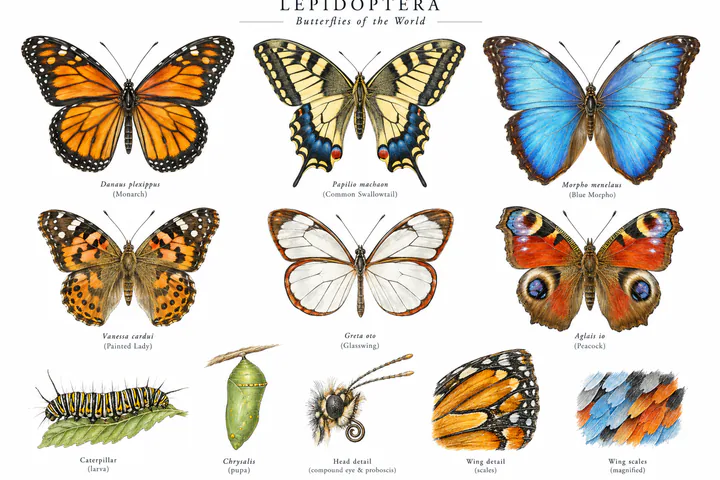
Teaching materials
Develop clear, engaging visuals that help students grasp complex scientific concepts more easily.
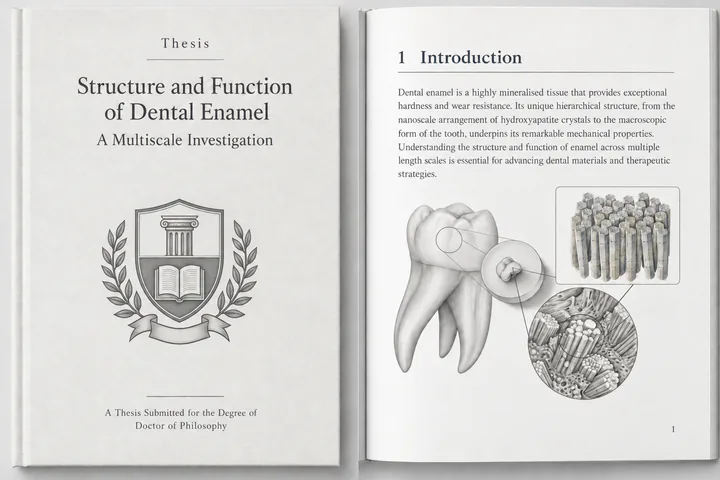
Thesis & dissertations
Create professional-quality figures that elevate the presentation of your academic research.
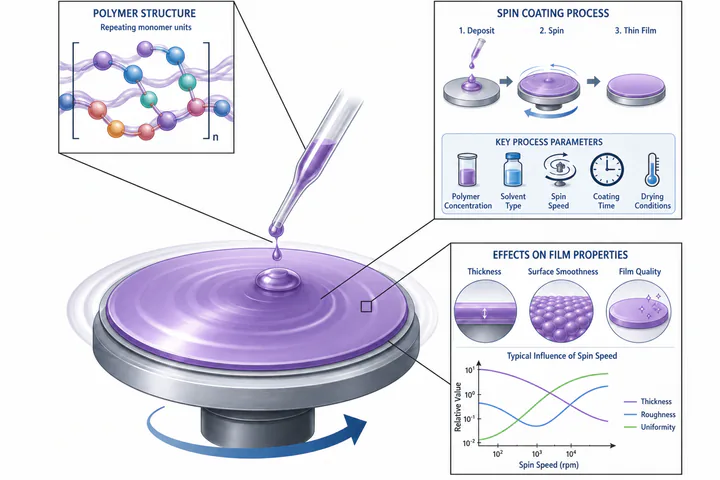
Graphical abstract
Translate complex research into visual summaries that capture the essence of your findings at a glance.
100% editable templates
Start with professionally designed templates for your scientific illustrations and customize them to your needs.
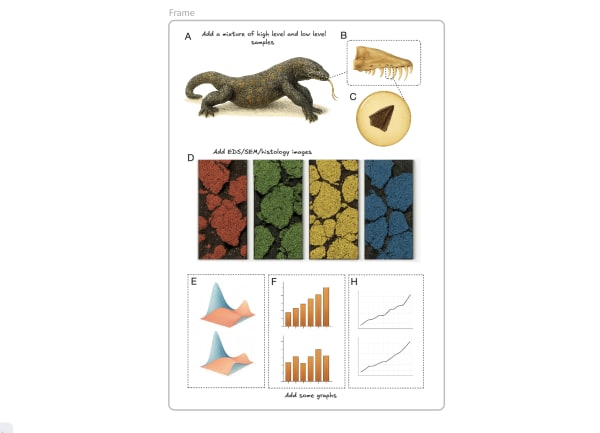
Professional figures
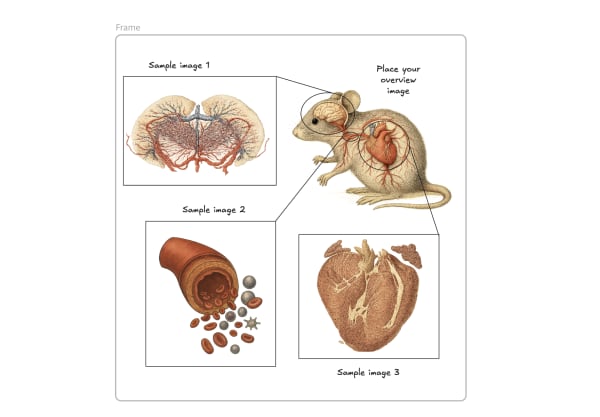
Graphical abstracts
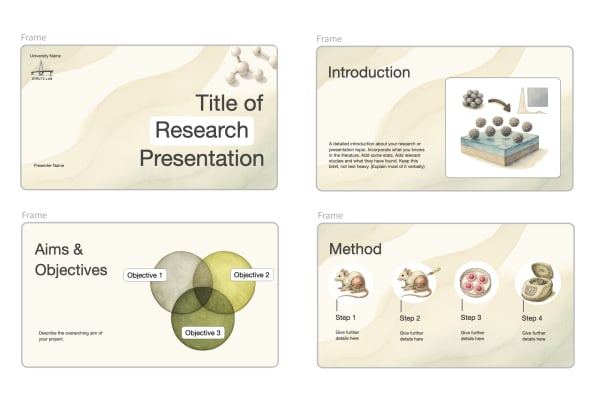
Presentation slides
Academic posters
Get access to all templates and create unlimited custom illustrations
Researchers' words
What researchers say about Illustrae
It's only been a day since I started using Illustrae, but I'm already really impressed with it... I honestly think I won't need to ask a professional illustrator for help with schematic illustrations for journal submissions anymore—that's how powerful and intuitive it feels.
Dr. I. JunSenior Research ScientistKIST Europe I can't believe it got the morphology for 'streptococcus in the gut' correct first try. Gave me streptococci shaped bacteria in chains. The microbiologist in me appreciates this a lot 🙏
Dr. N. TengGut Microbiology Post-DocImperial College London Really impressed with how well it captured the serrations from my crocodile tooth without any additional guidance, just took a photo on my phone and there it was. Also, as someone who likes to sketch out ideas roughly (but not well!) I love that I can just turn my sketches into professional looking visuals. Really useful for teaching materials and so easy to use.
Dr. A. LeBlancPaleontologist & LecturerKings College London
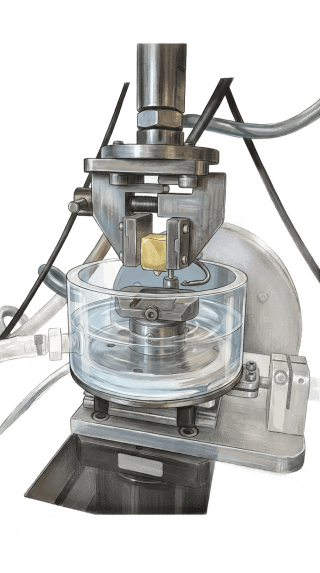
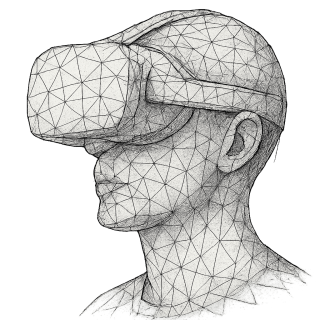
Community gallery
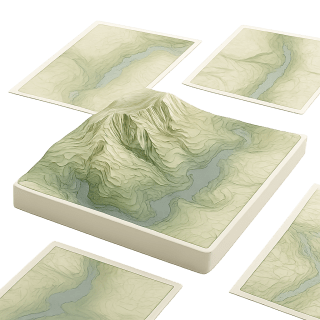
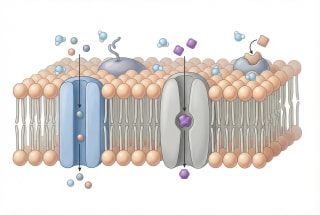
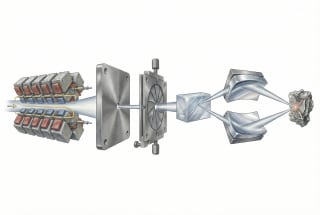
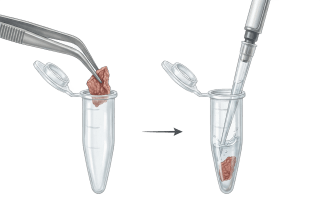
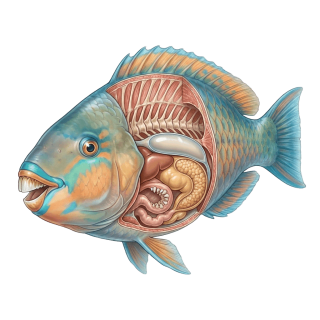
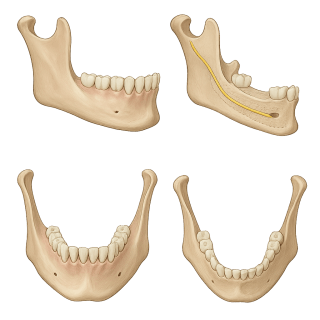
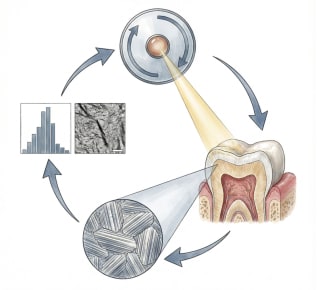
Illustrae offers a community-driven gallery of scientific illustrations, with contributions from researchers and experts in their fields worldwide







For institutions
Built for research institutions
What departments and labs ask about before they sign up.
You own what you make
You retain full ownership of all content you generate, with permission for publication and commercial use.
No general model training
We configure our AI providers so that your content is not used to train or improve their general models where such configuration is available.
Attached files are read in your browser
A PDF or spreadsheet attached in Brainstorm is read in your browser. Only its text is sent, never the file.
Invoices and institutional billing
We can provide formal invoices and institutional billing options.
15-day full refund
If the platform isn't a good fit, send an email to hello@illustrae.co and we'll refund your payment in full.
A clear copyright process
We comply with UK/EU and US copyright regulations and will promptly investigate and remove infringing content.
Read the details: Terms & Conditions, Privacy Policy, DMCA Policy, About us.
Pricing
Simple, affordable pricing
Cancel anytime. Try it today.
Test it out
Starter Annual
$4.92/month
$59 billed annually
By signing up, you agree to our Terms & Conditions & Privacy Policy.
- 50 image generations per month
- All styles (Vintage, Modern, Photo-Real, Watercolor, Custom)
- Brainstorm: posters, slides, figures, graphical abstracts and flowcharts
- Create editable layers from posters, slides and images
- Export to PNG, SVG, PDF and editable PowerPoint
- Full editing capabilities
- Intelligent canvas tools
- 3 active canvases
- High resolution exports
- Permission for publication and commercial use
- Cancel anytime, no questions asked
Most popular
Unlimited Annual
$12.92/month
$155 billed annually
By signing up, you agree to our Terms & Conditions & Privacy Policy.
- Unlimited image generations per month
- All styles (Vintage, Modern, Photo-Real, Watercolor, Custom)
- Brainstorm: posters, slides, figures, graphical abstracts and flowcharts
- Create editable layers from posters, slides and images
- Export to PNG, SVG, PDF and editable PowerPoint
- Full editing capabilities
- Intelligent canvas tools
- Unlimited active canvases
- High resolution exports
- Priority support
- Early access to new features
- Permission for publication and commercial use
- Cancel anytime, no questions asked
Best value
Lifetime
$299Was
$349/oncePay once, unlimited illustrations for life
By signing up, you agree to our Terms & Conditions & Privacy Policy.
- No subscription, one-time purchase
- Unlimited image generations forever
- All styles (Vintage, Modern, Photo-Real, Watercolor, Custom)
- Brainstorm: posters, slides, figures, graphical abstracts and flowcharts
- Create editable layers from posters, slides and images
- Export to PNG, SVG, PDF and editable PowerPoint
- Full editing capabilities
- Intelligent canvas tools
- Unlimited active canvases
- High resolution exports
- Priority support
- Early access to new features
- Permission for publication and commercial use
- Lifetime access to all features
Institutional discounts
Teams & institutions
Custompricing
For departments, labs & industry teams.
- Bulk seat licensing with heavily discounted pricing
- Dedicated account management
- Priority technical support
- Training and onboarding
Get in touch to discuss your plan, today.
Your questions answered
Frequently asked questions
Find answers to common questions about Illustrae.
Can I use images generated by Illustrae in peer-reviewed journals?
You have full rights to use the images you create in your research publications, presentations, and educational materials. Each journal varies on its policies for the images and figures it accepts, including the use of AI-assisted images. This is an evolving area with each journal's policies changing over time, so please simply check the policy of your journal before submission.
What image formats can I export?
Illustrae exports your work as high quality PNG, SVG and PDF files. A frame on the canvas can also be exported as an editable PowerPoint file, which opens in PowerPoint, Keynote and Google Slides.
Can I edit a poster or slide after it has been generated?
Yes. Click Create editable layers on the image, or switch on Make editable layers in Brainstorm. The text becomes real text you can retype, and the pictures become pieces you can move, resize or swap. Results depend on the image: on a busy poster, some boxes stay part of the background. One undo brings the original back.
Can I export my figure to PowerPoint?
Yes. Put your figure in a frame on the canvas and export the frame as a PowerPoint file. Text is saved as editable text boxes and simple shapes stay editable. The file opens in PowerPoint, Keynote and Google Slides.
Is my PDF or spreadsheet uploaded when I attach it in Brainstorm?
No. PDF, CSV and Excel files are read in your browser. Only the text is sent to create your design, never the file itself.
How accurate are the scientific illustrations?
Illustrae strives to create visually accurate representations based on your specifications. It is not an expert in every field, but rather works with your (expert) guidance to create visuals tailored to your needs. In the end, it will be up to you to shape the final figure, and simply use Illustrae as your creative tool to bring it to life; we are working on improving the scientific accuracy of illustrations out of the box, however we recommend going back and forth with your figures by prompting and editing each image until it fits your specifications.
Can I use Illustrae for free?
Illustrae doesn't currently offer a free plan or free trial. We do however offer a 15 day 100% refund, so if you test it out and find that the platform isn't a good fit, just send an email to hello@illustrae.co and we'll refund your payment in full. You can also try reaching out to your department head or supervisor to see if they have an Illustrae institutional deal with us, or if it's something they would be interested in pursuing you can encourage them to get in touch as well (that way they may be able to sponsor your Illustrae license).
Can I expense Illustrae to my institution?
Yes, many academic institutions cover Illustrae subscriptions as a research or teaching tool. Contact your department administrator or supervisor to determine the appropriate process for your institution. We can provide formal invoices and institutional billing options.
Can I use the images generated for commercial purposes?
Yes, you retain full commercial rights to all images created with Illustrae. You can use them in commercial publications, products, or services without any additional licensing fees.
What images can I upload?
You can upload any original content you've created, including your own sketches or diagrams, photos you've taken of lab equipment or samples, and your own data visualizations or charts. Do not upload material that may infringe on copyright, such as figures from journal articles or textbooks without permission.
What happens to the content I generate?
You retain full ownership of all content you generate. By using the app, you grant us a limited license to store, display, and process your content in order to provide and improve the service. We do not claim ownership of your work, though we reserve the right to feature your images in marketing or educational materials.
Do I need to cite Illustrae in my work?
Attribution is entirely optional. While you're not required to cite Illustrae, we would appreciate it if you include a note such as 'Illustrations jointly created with Illustrae.co'. It's a small gesture that helps support our mission, but the choice is yours.
Can I use this app to recreate figures from published scientific papers?
No. Recreating or uploading published figures without permission may violate copyright — even if you cite the source. You may only upload or reference figures you created yourself, figures licensed for reuse (e.g. Creative Commons CC BY, CC0), or figures you have explicit written permission to use.
What types of Creative Commons licences are safe to use here?
The safest licences for uploading content are CC BY (allows reuse and adaptation with credit) and CC0 (public domain, no restrictions). Be cautious with CC BY-ND (no modifications allowed), CC BY-NC (non-commercial use only), and CC BY-SA (derivative works must use the same licence). Always review the licence terms before uploading content.
What if someone uploads my copyrighted work without permission?
We take copyright seriously. If you believe your work has been uploaded without your permission, please submit a DMCA takedown request. We comply with UK/EU and US copyright regulations and will promptly investigate and remove infringing content. For full details on how to file a notice, see our DMCA Policy. Learn more
Get started in seconds
Ready to transform your scientific visualizations?
Join researchers from leading institutions who are already using Illustrae to create stunning scientific illustrations.